
Foundations of Visual Understanding: Core Algorithms
A concise, practitioner-focused guide to core visual understanding algorithms with practical Python examples
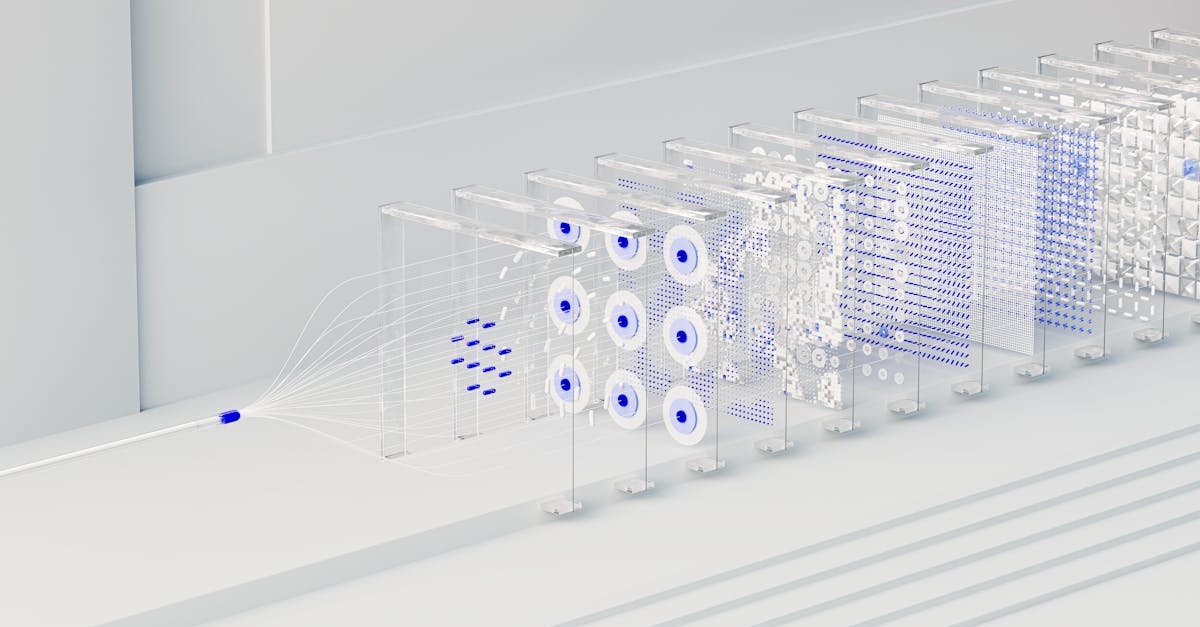
Core Algorithms for Visual Understanding
Visual understanding rests on algorithms that transform raw pixel data into structured information. The goal is to extract meaningful patterns—edges, textures, shapes, and objects—and to represent them in a way that supports tasks such as recognition, tracking, and interpretation.
This article focuses on core algorithmic building blocks and demonstrates how to implement them in practical projects that enhance digital productivity and support targeted tech tutorials.
By starting with robust fundamentals, developers can build reliable pipelines that perform predictably across varying conditions, without relying on opaque black-box systems. The emphasis here is on clear, explainable components that you can mix and match to suit real-world requirements.
Feature Extraction: Edges, Corners, and Descriptors
Edges reveal boundaries between regions, while corners capture stable points that persist under perspective changes. Edge detectors such as Sobel and Canny highlight intensity transitions, whereas corner detectors like Harris and Shi-Tomasi identify repeatable keypoints.
Local descriptors, including SIFT, ORB, and their variants, encode the neighborhood texture around keypoints, enabling robust matching across images and frames.
Practical note: select descriptors that balance invariance with performance for your use case. Binary descriptors (e.g., ORB) are fast and suitable for real-time tasks, while floating-point descriptors (e.g., SIFT) can offer stronger matching under challenging conditions.
Code examples:
import cv2

# Load a grayscale image
img = cv2.imread('scene.jpg', cv2.IMREAD_GRAYSCALE)

# Basic edge detection
edges = cv2.Canny(img, 100, 200) # ORB feature detection and description
orb = cv2.ORB_create()
kp, des = orb.detectAndCompute(img, None)Matching and Recognition with Descriptors
Once descriptors are computed, matching aligns features across images or video frames. Bruteforce matchers with Hamming distance suit binary descriptors (such as ORB), whereas FLANN accelerates matching for floating-point descriptors (like SIFT).
A common approach uses cross-check matching to filter ambiguous pairs, optionally followed by a ratio test to retain robust correspondences. The resulting set of matches enables tasks such as pose estimation, object recognition, or image stitching.
Code example:
import cv2

# Assume des1 and des2 are descriptors from two images
bf = cv2.BFMatcher(cv2.NORM_HAMMING, crossCheck=True)
matches = bf.match(des1, des2)
matches = sorted(matches, key=lambda x: x.distance)
Learning-based Lightweight Pathways
Beyond hand-crafted features, lightweight neural networks offer data-driven representations that can improve robustness with modest compute. Transfer learning using a pretrained, compact backbone provides practical accuracy for common tasks.
A typical workflow loads a pretrained model, applies standard image preprocessing, and performs a forward pass to obtain class probabilities or feature embeddings.
Code example:
import torch
from torchvision import models, transforms
from PIL import Image

# Load a compact pretrained model
model = models.mobilenet_v2(pretrained=True)
model.eval()

preprocess = transforms.Compose([
    transforms.Resize(256),
    transforms.CenterCrop(224),
    transforms.ToTensor(),
    transforms.Normalize([0.485,0.456,0.406],[0.229,0.224,0.225])
])

img = Image.open('object.jpg')
input_tensor = preprocess(img).unsqueeze(0)
with torch.no_grad():
    output = model(input_tensor)
Evaluation Metrics for Visual Understanding
Measuring performance ensures the algorithms meet practical requirements. Object detection quality is often summarized with mean average precision (mAP) across classes, while segmentation tasks use IoU (intersection over union) to quantify overlap between predicted and ground-truth regions.
For retrieval and matching tasks, precision-recall analysis and threshold-based accuracy provide insight into robustness under varying conditions. Selecting appropriate metrics depends on the specific task and operational constraints.
Practical Pipeline: A Step-by-Step Visual Task
In real-world workflows, a compact pipeline combines extraction, matching, and interpretation. Start by converting input to grayscale, apply a feature detector or edge extractor, compute descriptors, and run a matcher to establish correspondences.
Filter weak matches with a simple threshold, then feed the filtered results into downstream modules for visualization or automated actions. This approach integrates cleanly with digital productivity tools and supports hands-on tutorials that demonstrate concrete results.
Step 1: Acquire and preprocess images
Step 2: Detect features and compute descriptors
Step 3: Match features and select robust correspondences
Step 4: Interpret matches to derive insights or control signals