
How to Start Learning Coding with No Experience
Practical steps, learning paths, and tools to begin programming from zero
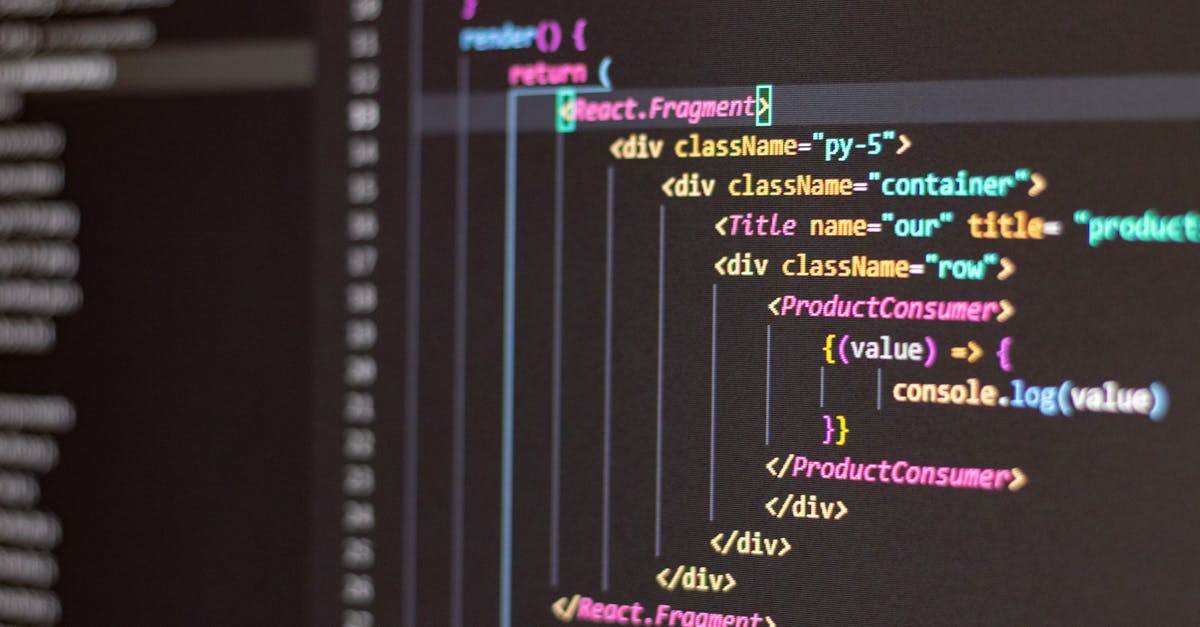
Most people wonder where to begin when they decide to learn coding. You might feel overwhelmed by choices, terminology, and a flood of tutorials.
This article cuts through the noise and lays out a clear, paced path for starting programming even if you have no prior experience.
Why learning to code is realistic for beginners
First, understand that coding is a learnable skill, not an innate talent. Many developers today started with zero background and built careers through steady practice.
Programming rewards small, repeated effort. Spend 30 to 60 minutes consistently and you'll see measurable progress within weeks. That consistency beats cramming and broad, unfocused study.
There are many entry points to coding: web development, automation, data analysis, mobile apps, and more. Choosing a first path helps you focus and avoid scattered learning.
Choose a first project, not a language
Begin by picking a small project that excites you. Projects give context and make abstract concepts stick. Examples include a personal website, a simple automation script, or a data visualization.
Personal website: learn HTML, CSS, and basic JavaScript
Automation script: try Python to automate file renaming or web scraping
Interactive quiz or calculator: a compact JavaScript project
Data snapshot: use Python with
pandasto analyze a simple CSV
When you choose a project first, your learning becomes problem-driven. The code serves a purpose, and that purpose keeps you motivated.
Pick a beginner-friendly learning path
Here are three common entry paths with practical next steps. Each path lists core technologies and an initial task that yields quick wins.
Web front-end: HTML, CSS, JavaScript. First task: build a responsive personal site or portfolio.
General scripting / automation: Python. First task: write a script that renames files or parses a CSV.
Data basics: Python +
pandas. First task: load a dataset and produce a small chart.
Each path uses beginner-friendly resources and immediate projects to practice core concepts. After initial wins, you can expand into frameworks or libraries relevant to your goals.
Set up a simple learning environment
You don't need an expensive setup. A laptop and internet connection are enough. Install a text editor and the language runtime you'll use.
Editor: try Visual Studio Code or a lightweight alternative
Python: use
python3and create a virtual environment withpython3 -m venv envJavaScript: modern browsers include dev tools; use
nodefor backend or tooling
Example terminal commands you might run:
python3 -m venv env
source env/bin/activate  # macOS/Linux
env\Scripts\activate  # Windows
npm init -y
Keep tools minimal at first. You can add frameworks and build tools after you understand the basics.
Follow a learning sequence that builds confidence
Learning programming is most effective when topics layer gradually. A simple sequence looks like this:
Syntax and basic constructs: variables, loops, conditionals
Functions and modular code
Working with files, input/output, and simple APIs
Debugging and testing small pieces of code
Putting pieces together into your project
Each step is small enough to master in a few focused sessions. Progress compounds when you revisit topics from the perspective of your project.
Learn by doing: specific exercises for the first month
Concrete exercises accelerate learning. Here is a 4-week starter plan that keeps practice short and goal-oriented.
Week 1: Learn basic syntax and write 5 tiny programs (hello world, calculator, conditional login check, looped list print, simple function).
Week 2: Build a small project scaffold such as a one-page site or a script. Add comments and refactor repeated code into functions.
Week 3: Introduce input/output and work with external files or APIs. Save results, read a CSV, or fetch JSON from a public endpoint.
Week 4: Polish your project: add styling, error handling, or simple tests. Host your site on a free platform or share your script on a code hosting site.
Small, measurable goals keep momentum. Document what you built; documenting increases retention and produces a simple portfolio item.
Use trusted learning resources
Not all tutorials are equal. Choose a few high-quality resources and stick with them long enough to complete small projects.
For web fundamentals, the Mozilla Developer Network offers thorough and reliable documentation
For hands-on lessons and exercises, freeCodeCamp has structured exercises oriented toward beginners
For rigorous introductory CS material, consider the Harvard CS50 lecture series and problem sets
Pair tutorials with reference material. Use docs when you need specifics and guided courses when you want structure.
Practice techniques that create fast learning loops
Adopt methods that speed up the feedback loop between writing code and learning from it. Fast feedback is essential.
Work with small increments: change one thing, run tests, observe result
Use console output liberally to inspect values and flow
Read error messages and search them verbatim; they often point to exact fixes
Refactor repeatedly to improve clarity rather than chase more features
Key fact: short practice sessions with immediate feedback produce better retention than long passive reading sessions
Debugging and problem solving—skills more important than memorization
Expect bugs. Debugging is where you'll learn the most. Treat each error as a puzzle to solve rather than a failure.
Approach debugging with these steps:
Reproduce the issue consistently
Isolate the smallest piece of code that fails
Inspect variables and intermediate outputs
Search authoritative sources or docs for the error message
Over time you'll recognize common patterns and fixes, and your debugging will become faster and more confident.
Join communities and code with others
Learning alone is possible but slower. Communities accelerate learning through shared problems, code reviews, and motivation.
Join online forums and Q&A boards to see real questions and solutions
Participate in small code reviews or pair programming sessions to get feedback
Contribute to tiny open-source issues once you feel comfortable reading someone else’s code
Seeing how experienced developers structure solutions teaches conventions you might not discover on your own.
When to learn frameworks and libraries
Frameworks are powerful but can overwhelm beginners. Learn the language basics first, then add frameworks when you can build and read vanilla examples.
For web front-end, understand HTML, CSS, and JavaScript before learning a framework like React. For data work, master core Python and pandas before switching to specialized tools.
Build a mini-portfolio that demonstrates progress
A few small, complete projects are more convincing than many unfinished attempts. Aim for 3 to 5 mini-projects that showcase different skills.
Personal website or portfolio page demonstrating HTML/CSS skills
Automation script that solves a repetitive problem
Small data visualization showing how you can turn raw data into insights
Host code on a public repository and include short README files that explain how each project works and what you learned.
Sample code snippets for beginners
Seeing a complete but tiny example helps demystify syntax. Here are two minimal programs you can type, run, and tinker with.
# Python example: read names from a file and print greetings
with open('names.txt') as f:
    for line in f:
        name = line.strip()
        if name:
            print(f'Hello, {name}')

// JavaScript example: basic DOM change in a browser
const btn = document.getElementById('myButton')
btn.addEventListener('click', () => {
  const p = document.createElement('p')
  p.textContent = 'Button clicked'
  document.body.appendChild(p)
})
Run the Python example after creating a simple names.txt file. For the JavaScript example, paste it into the browser console on a simple HTML page with a button element.
Common beginner pitfalls and how to avoid them
Recognizing typical traps will keep progress steady. Here are the most frequent stumbling blocks beginners encounter.
Trying to learn everything at once. Focus on a small project instead.
Copy-pasting solutions without understanding them. Always annotate what the code does.
Switching resources too frequently. Commit to finishing a short course before moving on.
Neglecting fundamentals like functions and control flow. They surface everywhere.
How to measure progress and stay motivated
Track small wins and set milestone goals. Use metrics that reflect learning, not just hours spent.
Number of completed mini-projects
New concepts learned and applied (e.g., functions, API calls)
Problems solved independently without copying answers
Celebrate small milestones. Motivation is sustained by visible progress and a sense of competence.
Next steps after your first projects
After completing beginner projects, choose one of three directions: deepen your chosen path, learn a complementary skill, or look for real-world practice.
Deepen: learn a framework and build larger applications
Complement: add testing, version control with Git, or basic deployment skills
Practice: volunteer to automate tasks at work or join a coding challenge
Each direction increases your value and prepares you for collaborative or professional work.
Note: learning code is incremental. Hands-on practice and small projects compound into meaningful skills.
Key takeaways: pick a motivating project, use structured resources, practice frequently in short sessions, and measure progress with tangible goals.
Now that you understand actionable steps and practical resources, start implementing these strategies this week.
Choose one small project, set aside focused practice time, and build it step by step. Within a few weeks you will have real code to show and a clear path forward.