


Turn ideas into working apps with plain English - no code, Stripe ready.
Get started7 Best Free AI Tools for Small Business Owners in SA
Use these for writing, design and research, with clear limits on free plans
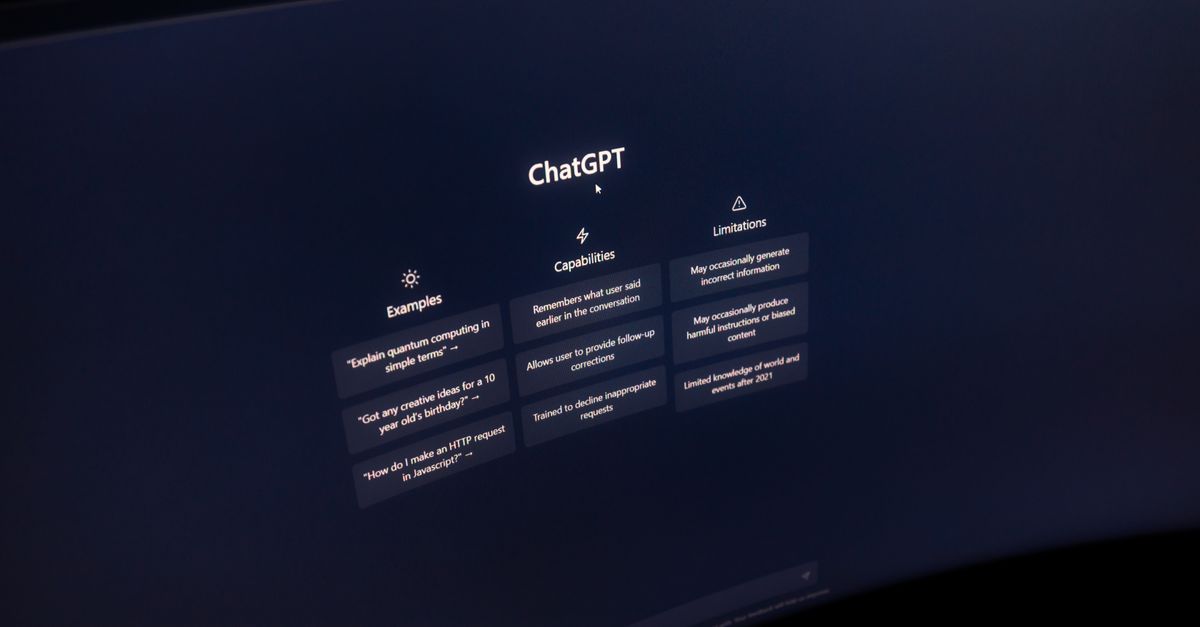
The best free AI tools for small business owners in South Africa cover writing, research, design and everyday admin. Start with ChatGPT or Gemini for drafts and planning, Canva for visual content, and a spreadsheet or human check for anything involving money or customer promises. Seven tools below can help you cut routine work, but their free features and limits can change.
Free does not mean unlimited, private or ready to publish. Some tools restrict access to features, usage or storage, and an AI answer can still be wrong. I’ve matched each option to a small-business task, explained where it falls short, and included a simple way to decide whether a paid plan is worth considering.
Best free AI tools for small business owners in South Africa
These seven tools are useful starting points if you want to test AI without committing to a subscription. Check each provider’s own plan page before relying on a particular feature, because free access can change by country and over time.
1. ChatGPT for drafts and planning
ChatGPT can help you draft product descriptions, customer replies, social posts, meeting agendas and first versions of business documents. Give it context, such as your business type, customer and tone, then ask for a specific output: “Write three friendly Instagram captions for a Cape Town bakery’s Saturday special. Keep each under 40 words.”
Use it as a first-draft writer, not your final fact-checker. Check names, prices, delivery terms and claims before sending anything to a customer. The free plan has limits, and the available models and features can change. Avoid entering customer details, passwords or confidential business information.
2. Google Gemini for research and Google tasks
Gemini can draft, explain and summarise information, and it may fit neatly into a business that already uses Google services. Ask it to turn your rough notes into a customer FAQ or to suggest a structure for a product launch plan. Confirm whether the specific integrations you want are included in your account and free plan.
AI summaries are not a substitute for reading the original source. If a response includes a claim about a South African regulation, tax rule or supplier, check the source itself. Gemini can produce plausible details that are wrong, so treat research as a shortlist of things to verify.
3. Microsoft Copilot for everyday office work
Copilot is a useful general assistant for drafting, brainstorming and explaining information, particularly if you already work in Microsoft’s tools. The free experience is separate from some paid Microsoft 365 features, so do not assume that a feature shown in a demonstration is included with your account.
Try it for a draft quotation email or a set of questions to ask a new supplier. Then compare the result with your actual quotation template and terms. It can save typing, but you remain responsible for the content and for checking that a promise in the draft matches what your business can deliver.
4. Canva for social posts and simple designs
Canva’s free plan includes design tools, and some AI features may be available within its products subject to current limits. It can help you create social graphics, presentation layouts and marketing drafts without starting from a blank page.
Check whether a particular image, feature or export is available on the free plan before building a workflow around it. Some design assets or functions may require payment. For a South African business, also check that your contact details, prices and spelling are correct in any generated design. A polished graphic can still carry the wrong offer.
5. Grammarly for proofreading
Grammarly can flag spelling, grammar and clarity issues in English writing. It is handy for polishing a proposal, email or website paragraph, especially if you write for customers in English but want a second check before publishing.
It should not make the final call on South African English or your brand’s tone. Review suggestions rather than accepting every change, and confirm whether its free plan covers the functions you need. If you write in isiZulu, Sesotho, Afrikaans or another local language, check the tool’s language support instead of assuming that English-focused features will work well.
6. Google NotebookLM for your own reference material
NotebookLM can help you ask questions about documents you provide and organise information from those sources. A small business could use it to locate a clause in its own supplier documents or turn its service notes into a draft FAQ.
It is only as useful as the material you provide, and its answers still need checking against the source. Do not upload confidential contracts, employee records or customer information unless you have checked the service’s privacy terms and are satisfied with them. Free access and usage limits can change.
7. Adobe Express for quick marketing assets
Adobe Express offers tools for creating marketing materials, with some AI functions and free access subject to the provider’s current plan. It is another option for simple promotional graphics, short-form content and branded layouts.
Compare its free features with Canva before you settle on one. If you need a particular template, export format or AI function, confirm it is included at no cost. Using two design tools can also mean duplicated work, so choose the one that makes it easiest to keep your logo, colours and contact details consistent.
How to choose the right free AI tool
Choose one tool for the task you repeat most often, then test it on real work that does not contain sensitive information. If writing customer messages takes up time, start with ChatGPT, Gemini or Copilot. If you spend longer preparing social graphics, test Canva or Adobe Express. For proofreading, try Grammarly on a document you can safely share.
Set a small, measurable test. For example, ask a tool to draft five product descriptions and record how long you spend correcting them. If the first drafts take 20 minutes to fix and your normal process takes 25 minutes, the saving is five minutes, not the full 25. Repeat the test with a task you do every week before deciding whether the tool earns a place in your routine.
Say you run a Durban homeware shop and spend two hours each week drafting social captions and product descriptions. If a tool cuts that to 75 minutes, you save 45 minutes a week. Over four weeks, that is three hours. At an illustrative value of R200 an hour for your time, that is R600 of time value, not cash in your bank account. If the paid plan costs money, compare its verified monthly price with the time you actually save and the extra features you will use.
Choose a paid plan only when a free limit repeatedly blocks a task that has measurable value. Check the provider’s own pricing page at the time of writing; plan names, prices, features and availability change. If you only use a tool once or twice a month, the free option may be enough. If several staff need access, account controls and data handling may matter more than a larger set of AI features.
What free AI tools can cost your business
The most common hidden cost is checking and correcting output. A tool can produce a confident but inaccurate statement about a product, a refund, a delivery date or a regulation. If that reaches a customer, you may spend longer fixing the problem than you saved on the draft.
Free plans can also cap usage, limit features or change their terms. Check for a paid upgrade before you build a process around a function you need every day. Other costs include time spent moving information between apps, staff training, and the risk of uploading material that should stay private.
Keep customer and business data out of public AI prompts unless you have checked the provider’s data terms and your own obligations. Remove names, phone numbers, account details and other identifying information from examples. A small business handling personal information should also check its responsibilities under South Africa’s privacy rules. This is general information, and a qualified legal adviser or the relevant regulator can advise on your situation.
AI can help prepare a draft, but it should not decide whether your accounts are correct or replace professional tax advice. For tax information and services, check the SARS website. Keep supporting records and have a person review any figures before using them in a return, invoice or financial decision.
A simple way to start using AI at work
Pick one task that is repetitive, low-risk and easy to check, such as drafting a social caption or turning product notes into a first draft. Write down the steps you normally take, try the AI tool on the same task, then record the time spent reviewing and correcting the result.
Give the tool clear instructions and examples of the tone you want, but do not paste in private customer data. Ask it to flag assumptions or list details that need checking. A prompt can improve the draft, but it cannot verify your stock, delivery schedule or current price unless you check those facts yourself.
Keep a person responsible for the final version. For public content, check facts, spelling, images and contact details. For an internal document, check that staff can tell which parts came from AI and which need approval. If the tool saves time without creating extra corrections, keep using it; if it does not, try a different tool or keep your existing process.
Today, choose one task you repeat each week and test one free tool on it without sharing private data. Track the time saved after corrections, then check the provider’s current plan terms before you decide whether to keep it.
Read More
Read more articles on the topics that interest you

How Much Do Data Analysts Earn in South Africa in 2026
Compare junior, mid-level and senior pay, plus the skills that can lift offers

How to Use ChatGPT to Find a Job in South Africa: 6 Steps
Use AI to sharpen your CV, target local vacancies and prepare for interviews

Become a Software Developer in South Africa: 6 Steps
Choose a learning route, build proof of skill and plan for your first role

Remote Jobs for South Africans: 6 Roles Paid in Dollars
Where to look, what each role requires, and how to keep more of your pay

10 Side Hustles in South Africa to Start in 2026
Compare realistic startup costs, first-sale timelines and the trade-offs before you commit
How to Get Your First 10 Customers in South Africa
A four-week plan to test your offer, find buyers and keep costs under control